
01
You host it
Name the occasion, pick an end date, and choose when guests can see the gallery. An event can last 31 days. You also choose how many photos each guest can add.
Wedding photos, parties, and the days around them
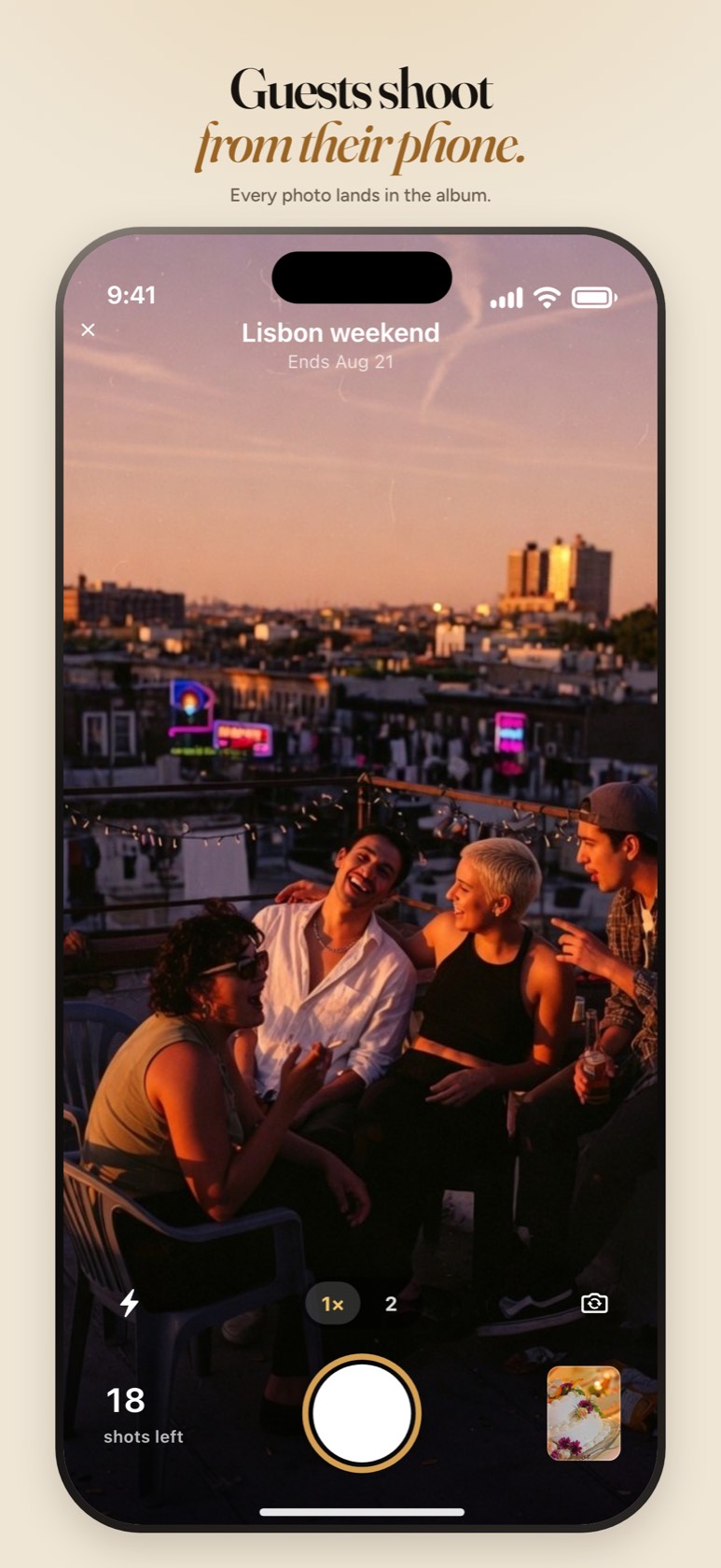
Guests scan the code or open the link, join in the SocialSynk app, and every photo lands in one album. The same wedding QR code for photos works for a shaadi, a birthday, a shower, a trip, or a company event.
Free for 10 guests.




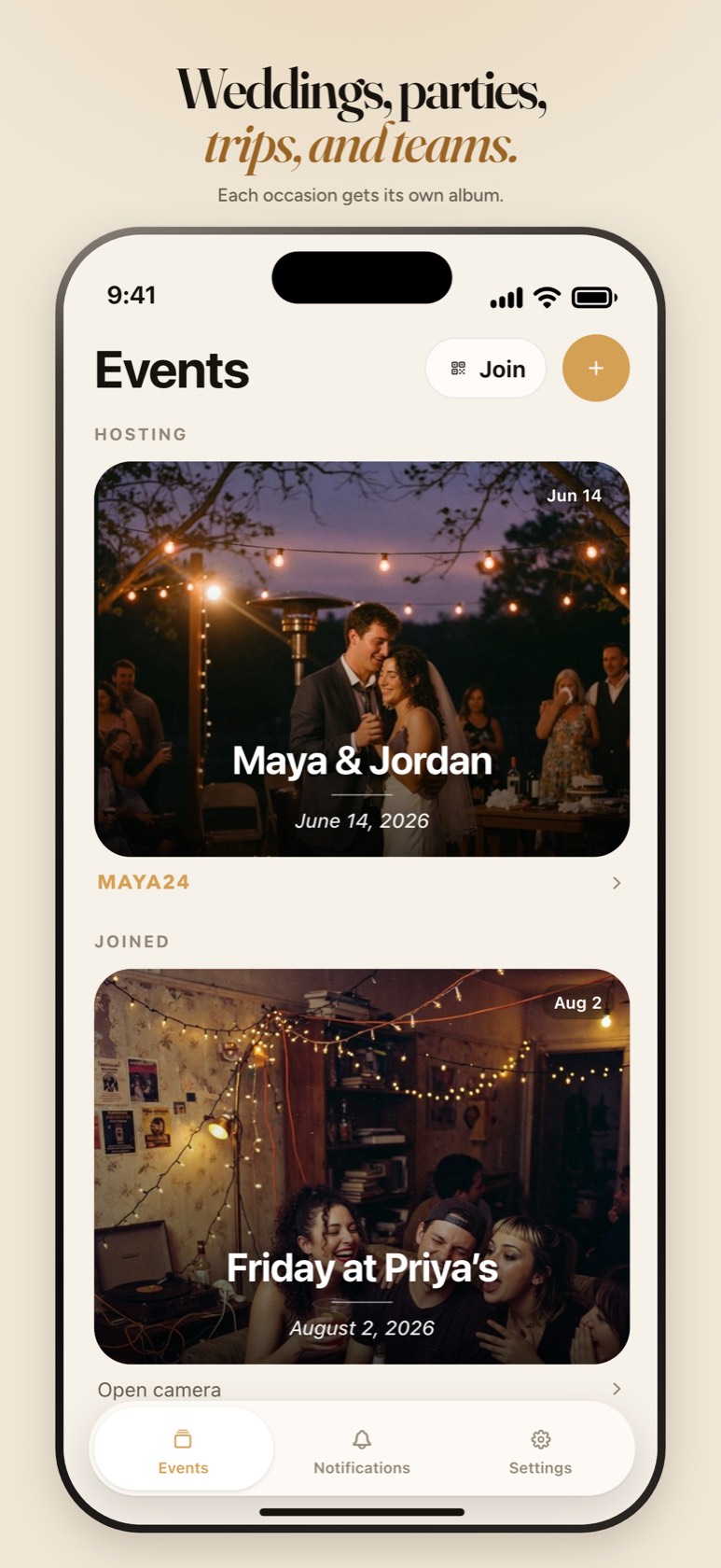
Maya & Jordan
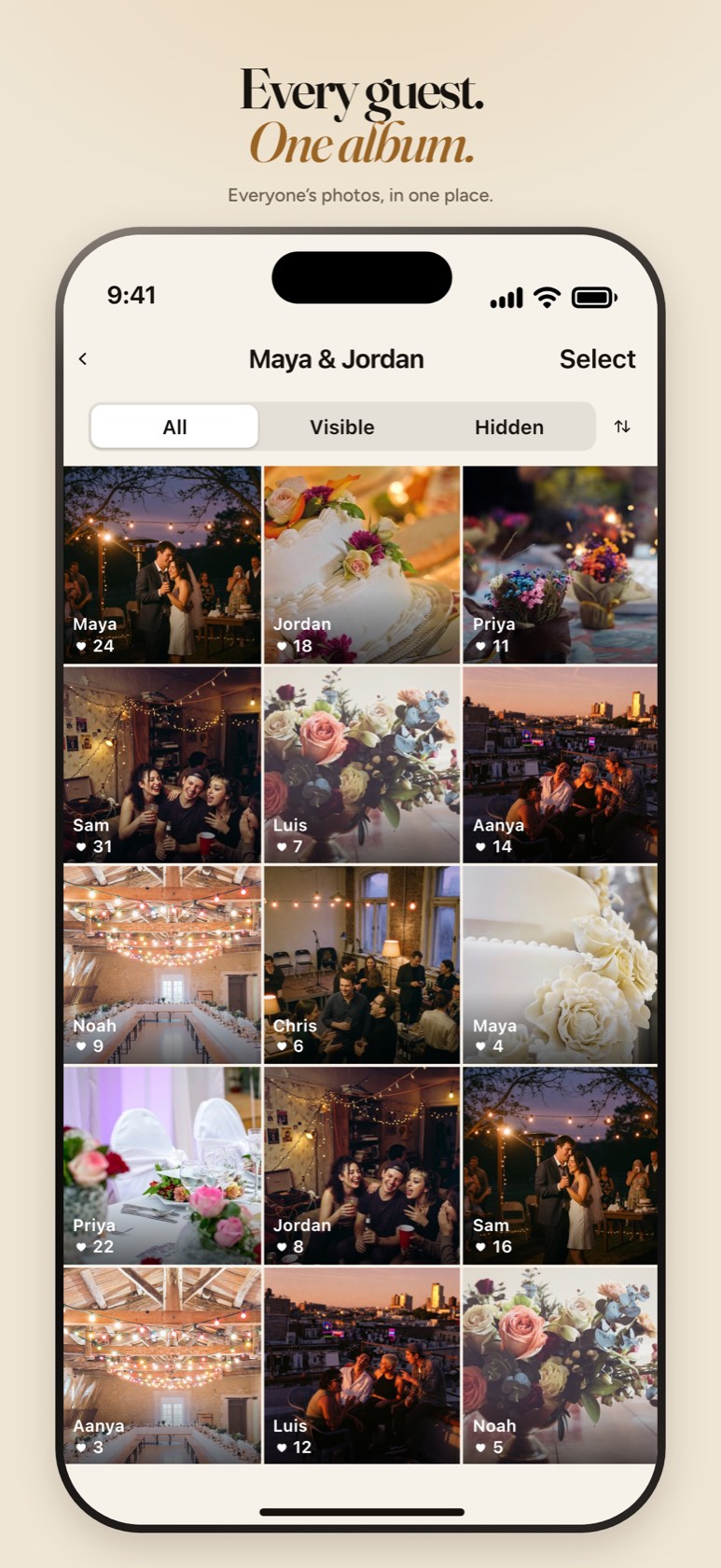
Every guest. One album.
 Maya24
 Jordan18
 Sam31
 Priya11
 Luís7
 Aanya14
MAYA24
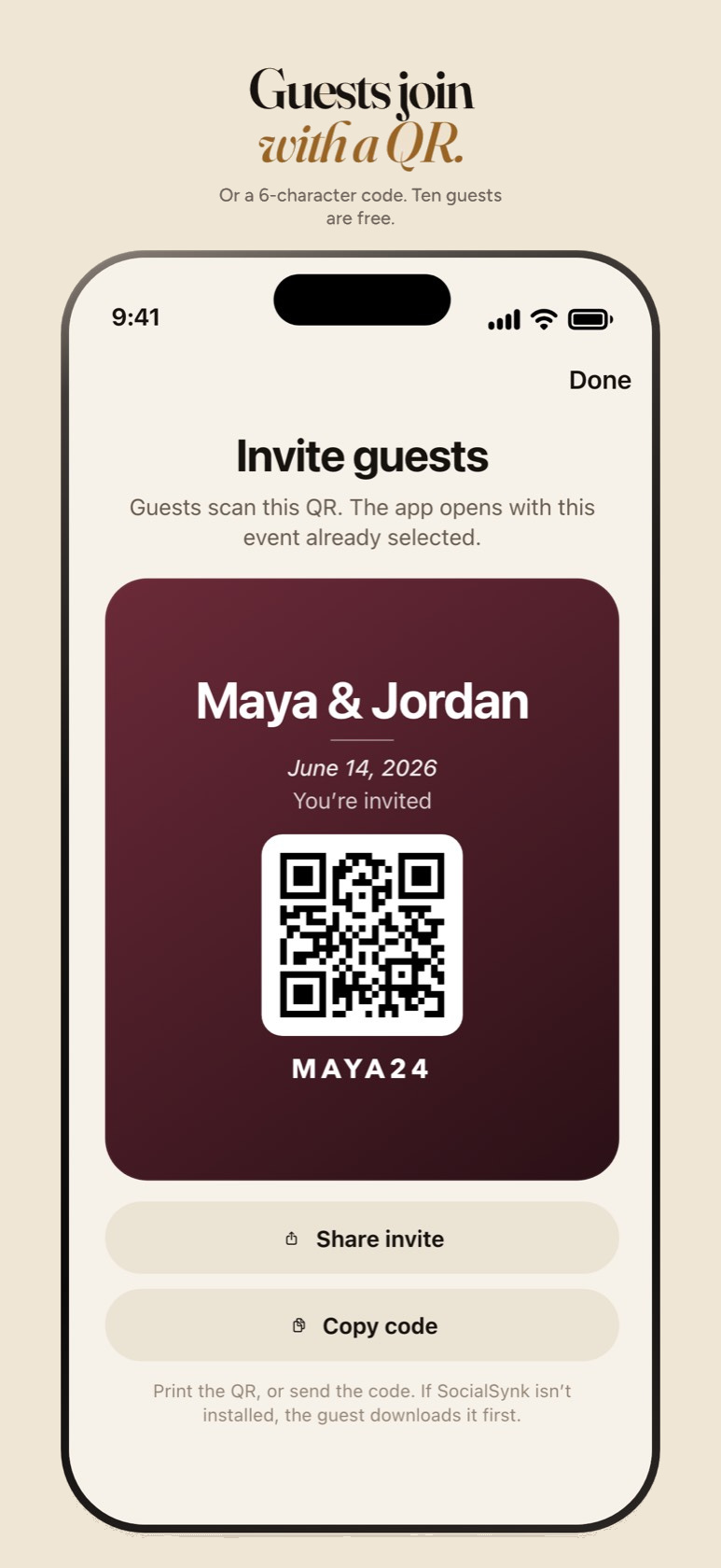
Guests join with a QR code.
01
Name the occasion, pick an end date, and choose when guests can see the gallery. An event can last 31 days. You also choose how many photos each guest can add.
02
A QR code or a socialsynk.app link opens SocialSynk on that invite. If the app is not installed yet, the guest downloads it, then opens the same link.
03
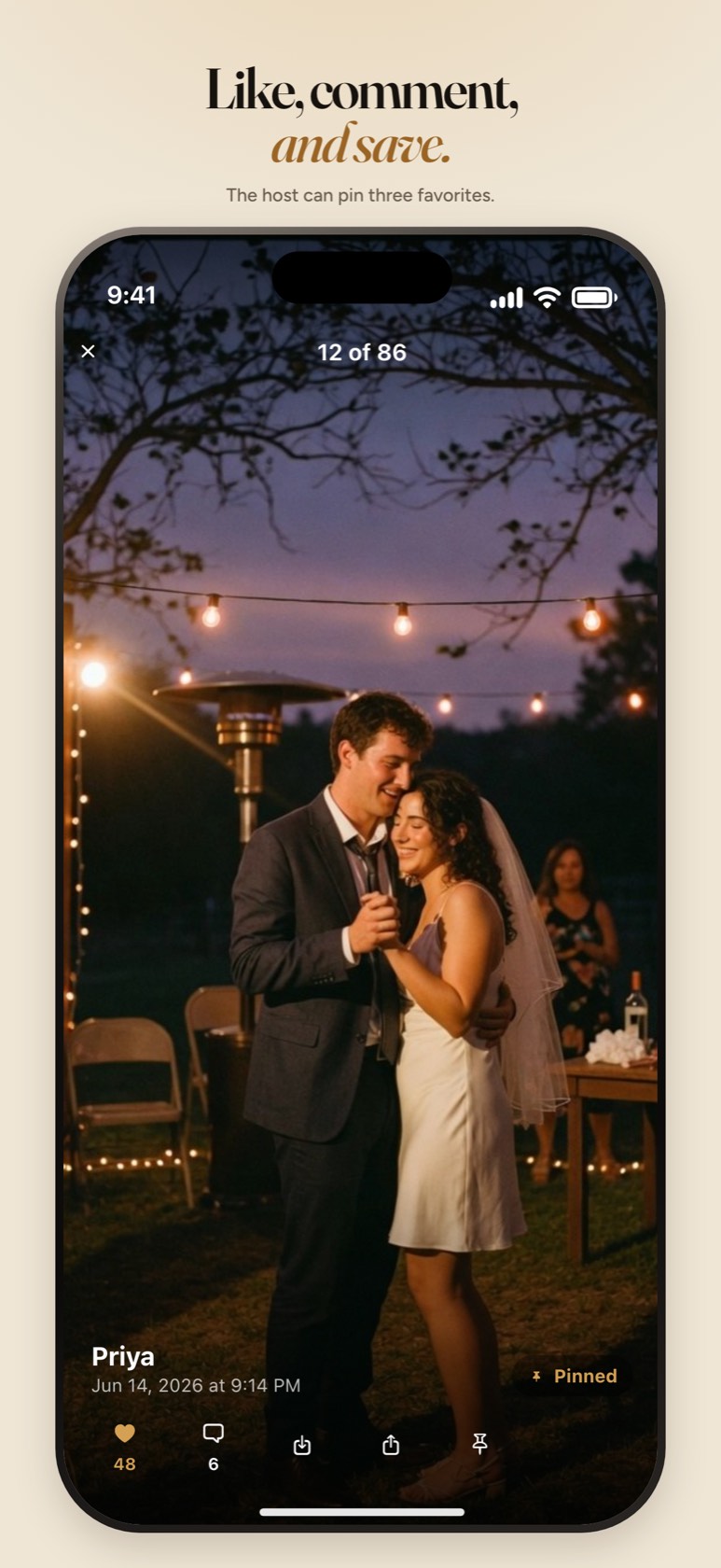
Anyone in the event can like and comment. The host can pin up to three photos. Sort by pinned, newest, oldest, or most liked.
Your call
Set the size of the guest list, how many photos each person can add, and the moment the album opens.
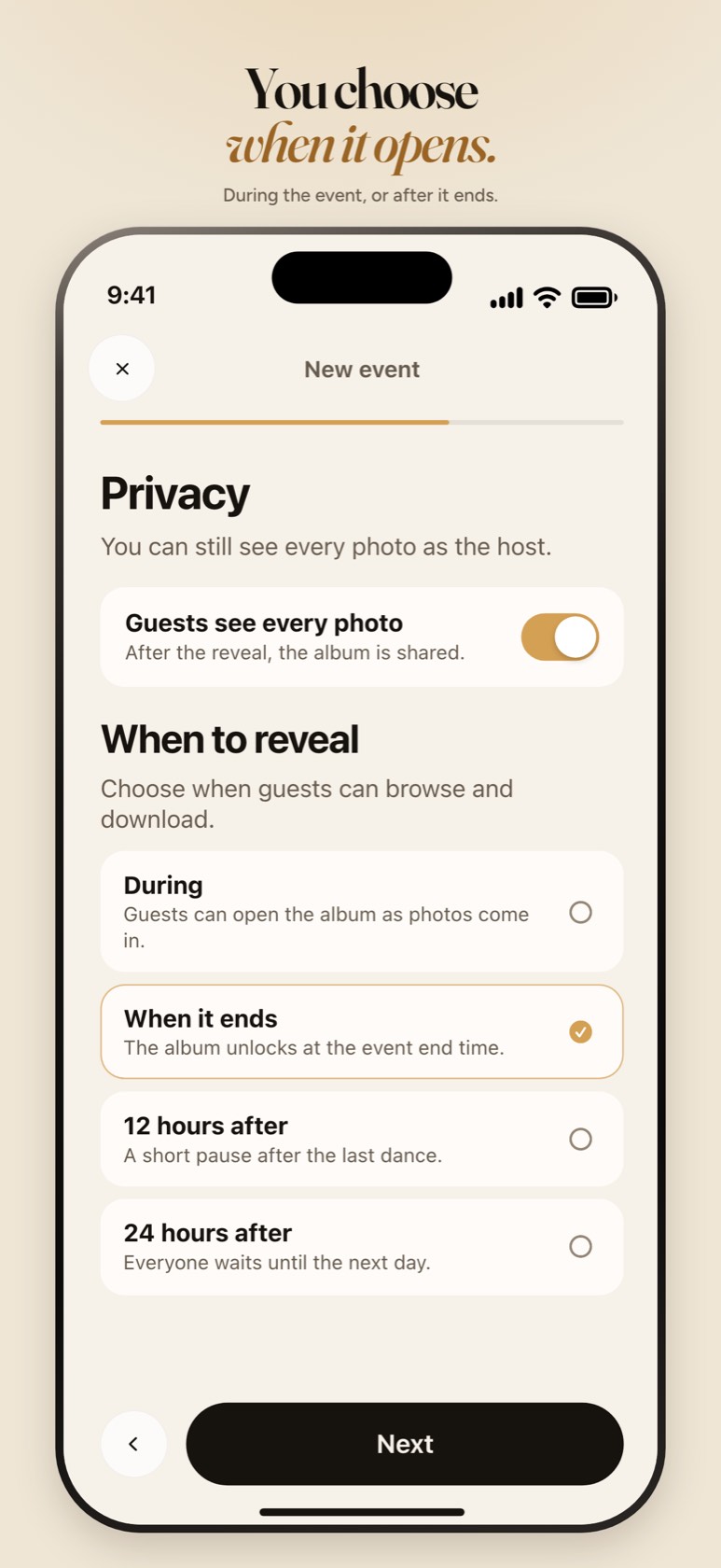
Open the album during the event, when it ends, 12 hours later, or 24 hours later. You can also hide a single photo from guests.
Free for up to 10 guests. A larger list is a one-time plan in the app, priced by how many people can join.
Photos stay for 90 days after the end date. Then the files are deleted. Save the ones you want to keep.
Share it
Print the code for the table, or send socialsynk.app/j/ and the invite. The app opens with that event already selected. It is the same idea for a party, a reunion, or a work event.
iPhone and Android
SocialSynk is on the App Store and Google Play. Hosts create the event in the app, then share the QR code.
Yes. A QR code or a socialsynk.app/j/ link opens SocialSynk with the invite filled in. If SocialSynk is not installed, the guest downloads it first, then joins with the same code.
Yes. Create it when you are ready. It can run for up to 31 days from the day you create it.
You choose: during the event, when it ends, 12 hours later, or 24 hours later. You can review the event on your own phone before guests can.
Originals and previews are deleted 90 days after the event ends. Download the ones you want before then.
A guest list of 10 is free. Larger lists are paid once in the app, through the App Store or Google Play. The price on this site is the US dollar list. Your store shows the price for your account.
